Talking About Computer Fans
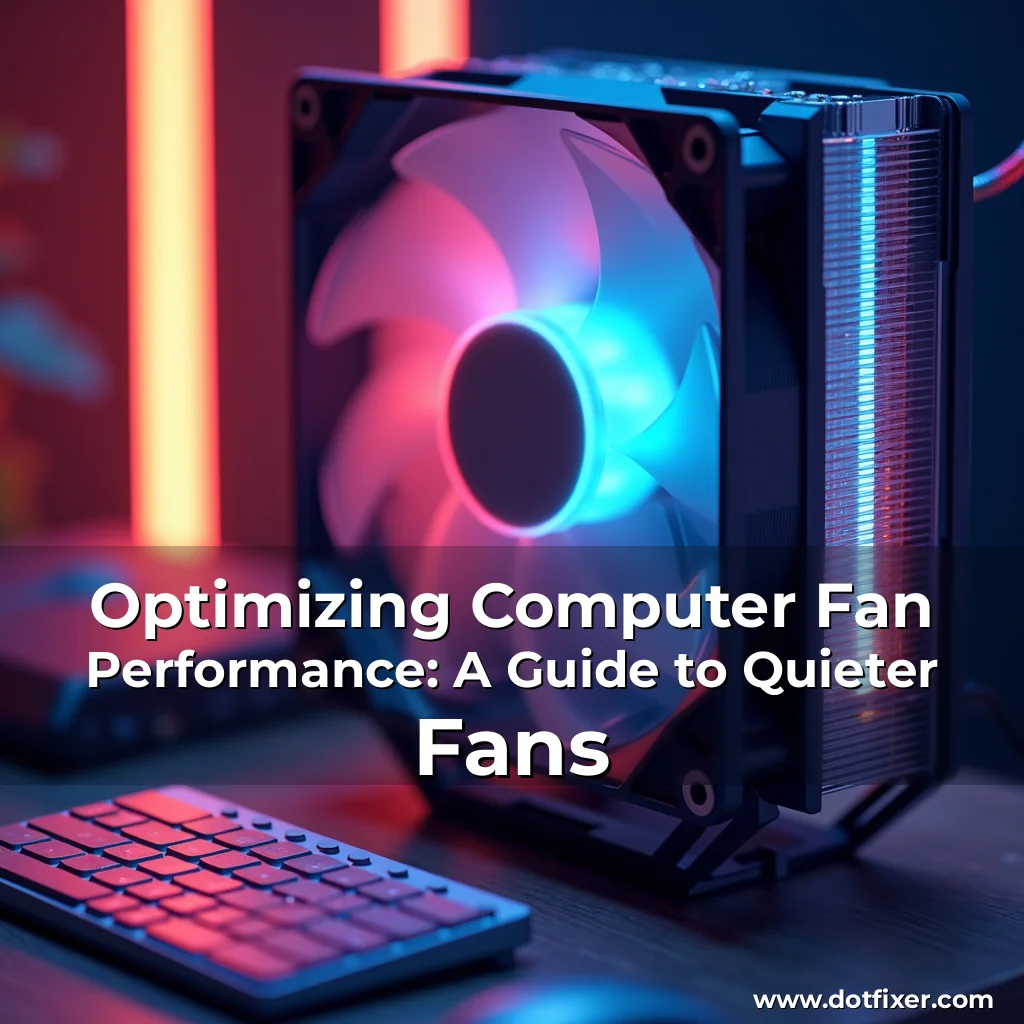
Centuries-old or a fresh-out-of-the-box device, the computer fan has become an essential component in today’s world. It regulates the internal temperature by dissipating heat from internal components, thereby ensuring optimal system performance. Although computer fans can be noisier than the average fan, their noise usually remains dormant unless you’re quite close to the air vents on your computer. This unusual phenomenon can leave you pondering, "Your computer is actually a noisy machine?". In situations like this, we might assume that fans are merely a basic component that could be tweaked for optimal performance, while the machine is humming along without any noise concerns. However, our computation unit’s internal heat production and heat management indeed demand some special attention. One of the primary roles of a computer fan is to control excessive heat by providing the cooling mechanism necessary for your computer’s parts to function within a stable and functional temperature range.
Common Reasons for Noisy Computer Fans
•
Poor Airflow
• Clogged vents
• Working on a laptop on the lap, pillow, or other soft surfaces
• Pressing the desktop’s vents against the wall
•
Poor Operating Environment
• Running on laptops or personal computers in hot environments
• Malware infection
• BIOS thermal control issues
•
Resource-Intensive Computing
• Overheating
• Overworking
•
Hardware or Physical Damage
• Faulty bearings
• Broken blades
• Loose screws
Cause and Prevention of Noiseful Fans
Most of these factors can be resolved simply. Before proceeding, ensure to consult the user manual to find out the best solution based on your specific device.
- Inspect the fans for any visible signs of damage (physical damage can be a significant noise-inducing factor)
- Change the power mode from high performance to power efficiency to avoid overheating (lowering your laptop’s workload would be a good alternative too)
- Run a virus scan to detect malware that might be impacting system resources
- Use compressed air or a soft brush to clean dust and dirt inside the vents and fans, if needed
- Use a cooling pad or fan (this is especially recommended for old laptops that are usually noisier)
- Dust from the CPU or graphics card, which can often cause noisy fans, also need to be cleaned frequently
Cooking it Up – The Tricks to Quieter Fans
In your quest to bring the snoozy noise of your computer fan back to a tranquil state, there are numerous fixes at hand. If your fan is not just excessive noise, but actually noisy, here’s how you could tackle it:
| Causes of Noisy Fan | Cures |
|---|---|
| Cleaning the fans | Inspect, use compressed air, or soft brush |
| Coupling the fans to the wall | Clean the fan blades with a fine cloth |
| Malware infection | Run antivirus software |
| Thermal overload | Run low-load apps |
Summary
By addressing the noise issue at hand, you can achieve a comfortable computation environment and make the most of your machine.
As a general recommendation, try cleaning your computer’s fans when they’re noisy or vibrant using the aforementioned methodologies.
We can only get along with the computer fan if it knows its place in this machine
Your Turn
There are numerous individuals, programmers, and tech fanatics out there who have spent countless hours researching, creating, and developing programs for the most advanced techniques and solutions. In the process, they have come up with various tools to track fan speeds, detect fan failures, and monitor the overall health of your computer. Some notable examples of fan monitoring software can be listed here (note that specific software applications may vary):
•
AIDA64
•
HWiNFO
•
Monitorix
•
LMD FanControl
•
SpeedFan
When it comes to PC maintenance, each and every person wants to have a peaceful experience operating their machines. To help you navigate through the complexities of PC maintenance, we recommend using software applications for tracking and troubleshooting fan issues.
Getting Help
There are countless online forums, communities, and websites dedicated to PC maintenance, troubleshooting, and solutions for a wide range of technical issues. You can look up these helpful resources for guidance. Visit
YouTube Channels: Computer Hardware
Visit
Reddit Forums: r/techsupport
Visit
Reddit Forums: r/pcperformance
Visit
YouTube Channels: TechTips
Getting Educated
To broaden your knowledge in the realm of PC repair and fan maintenance, you may want to consider attending a workshop or class designed for beginners, advanced, and intermediate users.